
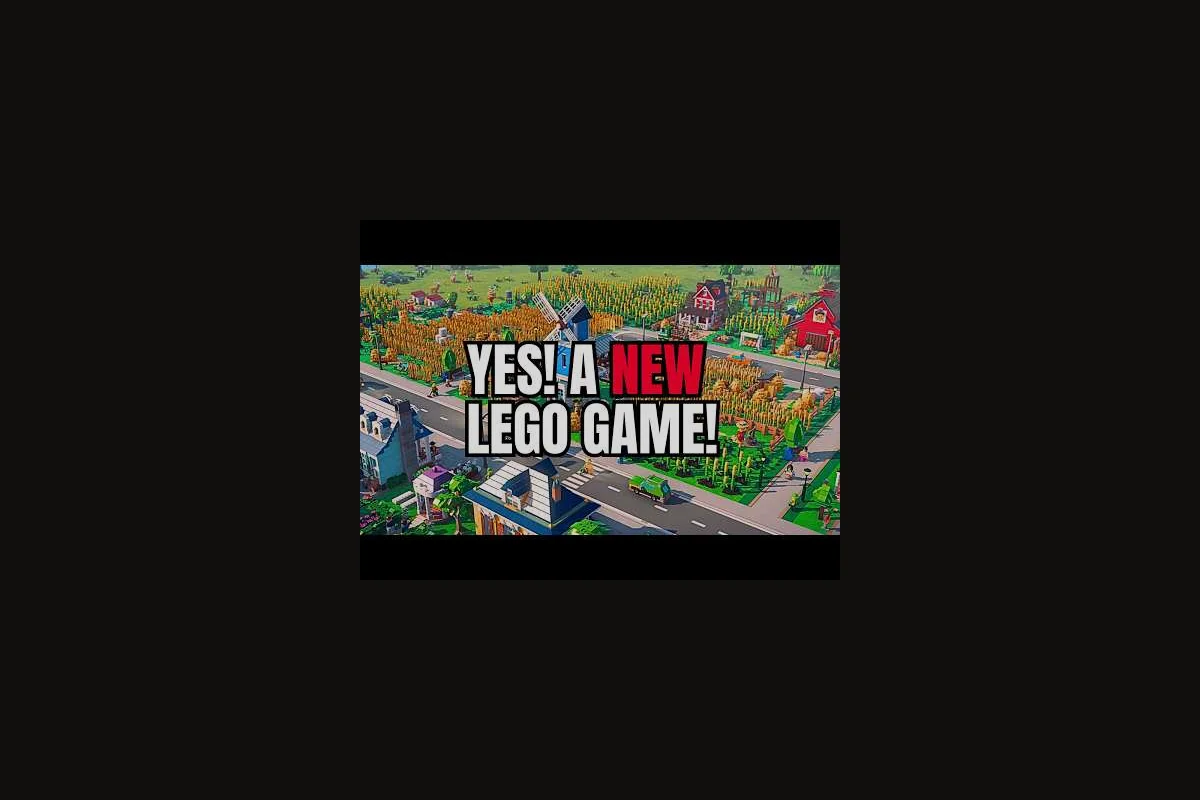
Your starter blocks look fine until the first 200 LEGO citizens move in and the power plant starts groaning. That is when most new players discover that placing a road and dropping a house is not a plan; it is a guess. The good news is that the gap between a struggling starter town and a steady, growing city almost always comes down to the order in which you lay foundations, the balance you maintain between utilities and population, and the restraint you show before expanding outward. These LEGO Skylines planning tips are built around the management responsibilities the developer has officially confirmed: electricity, food, water, housing, jobs, healthcare, parks, shops, waste collection, and sewage.
Because the game is still in Coming soon status on LEGO Skylines on Steam, some exact tuning values may shift before release. What is already safe to plan around is the interdependence of those ten systems, and the official Paradox Interactive page repeatedly highlights how each system feeds the next. Read on for the beginner playbook that turns that interdependence into a routine rather than a crisis.
Map Reading and Starter Block Survey
Before you place a single road, spend five minutes walking the map. City builders who skip this stage are the ones who later complain that the terrain forces ugly reroutes or that a hill blocks their main water pipe. The starter area in LEGO Skylines gives you a flat-ish plot, but the moment you push into early expansion, elevation, river crossings, and decorative plateaus start shaping every decision you make.
What the Terrain Tells You
Look for three terrain features and treat them as anchors. Rivers and shorelines are the natural home of water pumping infrastructure, so plan the water network so a single pump can serve a wide district. Flat plateaus are ideal for dense residential or commercial zoning because roads cost less to flatten and utilities reach further. Slopes and cliffs are where you will want to drop parks and decorative builds later, because vertical LEGO bricks are great for scenery but expensive to service.
| Terrain Feature | Best Use | Common Mistake |
|---|---|---|
| Flat starter plot | First residential ring + power plant | Stuffing it with commercial shops too early |
| Riverbank | Water pump + sewage outflow | Pumping into a residential area |
| Slope / cliff edge | Parks, viewpoints, decorative builds | Trying to zone dense housing on it |
| Narrow isthmus | Bridge roads only | Squeezing water and power through one tile |
Sketch a Three-Ring Utility-to-Park Plan
Draw three imaginary rings in your head. The inner ring holds utilities (power, water, sewage) plus one service road. The middle ring holds housing, jobs, and shops. The outer ring holds parks, healthcare, waste collection, and decoration. This is not a law of the game; it is a habit that prevents the most common LEGO Skylines beginner mistakes, which are running power lines through residential streets and dropping a hospital on the only flat tile that could have fed 200 homes. If you want a step-by-step on what to place in each ring, our LEGO Skylines build order guide maps it block by block.
Utility Foundations: Power, Water, and Sewage
Utilities are the spine of any city, and the official Steam description calls them out as the very first thing you have to plan. Players who treat utilities as an afterthought usually notice the problem only when houses start emptying or shops post "no electricity" signs.
Electricity: Cover First, Upgrade Second
The single biggest planning tip for power is to build a plant that can cover slightly more than your current demand, then expand the grid as you add housing. Aim for roughly 110–120% of current draw so a single new residential zone doesn't brown out the grid; the Coal Plant's 40 MW output is usually the right first pick before unlocking the Advanced Wind Turbine at the Big Town milestone. Overbuilding power early wastes bricks on a 40 MW Gas Plant you won't need for hours; underbuilding it stalls growth because unhappy buildings abandon and tank your tax income before the next zone even finishes.
| Power Stage | When to Build | Capacity Tip |
|---|---|---|
| Starter coal plant | First 50–100 citizens | Covers the inner ring comfortably |
| Second plant | ~200 citizens or first commercial zone | Place it on the opposite side of the starter plot |
| Upgrade path | When demand indicator turns yellow | Upgrade existing plant before placing a third one |
A common beginner mistake is to drop a second coal plant in the same neighborhood as the first. That doubles local pollution and concentrates risk. Instead, mirror it across the city so the grid stays balanced. A practical LEGO Skylines management guide habit is to glance at the electricity overlay before placing any new residential block.
Water and Sewage: One Pipe, Two Directions
Water and sewage are mirror systems. Water flows out from a pump to homes and shops. Sewage flows in from homes back to an outflow pipe. They must not share the same pipe, and they must not share the same river tile.
-
Place the water pump upstream of any housing.
-
Place the sewage outflow downstream and as far from the pump as the map allows.
-
Never run a water main directly under a sewage main; the two should cross only at a single bridge point.
If you want a deeper walkthrough of how these networks connect to your first services, our first services planning notes cover the exact priority order, including when to place the first water tower upstream of residential zoning to avoid the early-game pressure drop that triggers "no water" complaints.
Housing, Jobs, and Population Balance
Housing and jobs are the two halves of your population equation. Build only houses and you get commuter ghosts who have nowhere to work. Build only workplaces and you get an empty district with no one to staff it. The trick is to keep the two roughly in step, which is why most city builders call the housing-to-jobs ratio the heartbeat of the early game.
The Housing-First or Jobs-First Debate
Community playtesting on similar Paradox-style builders consistently shows that jobs-first planning ages better than housing-first, because unemployed citizens complain more loudly and leave faster than unhoused workers. In LEGO Skylines, this translates to placing your first Industrial zone (e.g., the modular Brick Factory or Assembly Plant set) near the road grid before dropping any Residential modules, since abandoning a job cuts your tax income by roughly 30% within the in-game week, while a homeless cim simply walks farther to the nearest available house without immediately de-populating the district.
| Order | Pro | Con |
|---|---|---|
| Housing first | Faster early population growth | Commuter traffic, job complaints |
| Jobs first | Stable tax income, fewer leavers | Slower population jump at start |
| Balanced 1:1 | Steady growth | Requires constant attention |
For LEGO Skylines early expansion, a 1:1 ratio is the safest mental model: every new residential block gets a matching workplace in the same or adjacent district. Once the population passes 500, you can start tilting toward housing to keep the demand bar high.
Districts Over Sprawl
Sprawling outward without a plan is the fastest way to trigger every utility failure at once. Instead, grow in districts: a self-contained neighborhood with its own road, its own utility stub, and its own small park. A district of about 80–120 citizens is a comfortable size for the starter phase because it fits inside one power plant's range and one water pump's pressure zone.
If you are unsure how to slot shops into each district, our LEGO Skylines shop placement breakdown covers how commercial zoning interlock with residential demand, including how a single low-density commercial block placed along a busy arterial road can lift nearby residential land value by roughly 8–12% and keep cims from commuting across the map.
Services, Healthcare, and Citizen Happiness
Citizens in LEGO Skylines care about more than just power and water. Healthcare, parks, waste collection, and shops all feed into happiness, and the official materials list each of them as a separate management responsibility. Skipping any one of them creates a slow leak in your approval rating.
Service Priority Order
| Service | Priority Tier | Coverage Tip |
|---|---|---|
| Healthcare / hospitals | High after 200 citizens | One hospital per ~300 citizens |
| Parks | Medium, but free happiness | Drop small parks between districts |
| Waste collection | Medium-high | Cover residential before commercial |
| Shops / commercial | Scales with population | Place near housing, not on ring road |
| Sewage | Foundation tier | Build with water, not later |
The healthcare layer in particular is where new players tend to either under-build or over-build. According to the official Paradox page, healthcare and parks are positioned as the cozy side of the management loop, which means they pay back in happiness and approval rather than pure tax income. For a closer look at how healthcare and parks interact with the wider service network, our LEGO Skylines healthcare planning notes outline coverage patterns and timing.
Avoid These Service Mistakes
-
Building a hospital next to the power plant because the plot is empty — pollution drags down approval.
-
Placing a single mega-park on the edge of the map and expecting every citizen to walk to it.
-
Running waste collection routes only on main roads and forgetting the residential spurs.
-
Stacking all shops on one street — donut shops and groceries need to be within walking distance of the houses they serve.
If you are just starting out and want the broadest possible checklist, our LEGO Skylines beginner guide bundles these service basics with a first-hour walkthrough that covers zoning your first residential block, placing a coal power plant before demand spikes, and avoiding the early tax-rate mistake that freezes your cashflow in the first 10 in-game weeks.
Early Expansion Strategy and When to Push Outward
Knowing when to expand is just as important as knowing how. Expand too early and your utilities collapse under sudden residential demand spikes, triggering sewage backups and brownouts; expand too late and your demand bar stalls because every residential tile is already full. A reliable signal is watching the Residential demand bar hold near +85 for two consecutive in-game weeks — that sustained pressure means you have roughly 300–500 new cims queued and need the next tile ring ready before the bar starts oscillating.
The Three Signals to Expand
Watch the demand indicator and your utility bars at the same time, because in LEGO Skylines the two never move in lockstep — a residential block can show 78% demand while power sits at 41% and water is already over capacity. Expansion only pays off when all three signals are healthy together; trigger a new tile on a depleted grid and the new buildings will immediately stall on the utility deficit debuff, dragging down population happiness and your weekly income for the next 8–12 in-game weeks as the fix propagates through the network.
-
Residential demand is high and zoning is full in the inner ring.
-
Electricity and water coverage still show a green buffer of at least 15–20 percent.
-
At least one service (healthcare, waste, parks) has spare capacity in the existing districts.
If any of these three signals is red, expansion will multiply the problem instead of solving it. A disciplined LEGO Skylines early expansion is one district at a time, with the new district hooked up to the same utility backbone before a single house goes down.
Bridge Tiles, Roundabouts, and LEGO Aesthetics
Because the game uses a brick-based grid, road junctions are visual as well as functional. A common rookie mistake is to slam four-way intersections at every cross street, which both clogs traffic and looks cluttered. Try a roundabout at district hubs and a bridge tile when crossing water, which doubles as a decorative build.
| Road Element | When to Use | Aesthetic Bonus |
|---|---|---|
| Four-way junction | Major ring road crossings | Plain but functional |
| Roundabout | District hubs | High visual reward, moderate flow |
| Bridge tile | River or railway crossing | Strong silhouette piece |
| Dead-end spur | Service cul-de-sacs | Hides waste collection depots |
Frequently Asked Questions
What is the single most important LEGO Skylines planning tip for brand-new players?
Build utilities before housing, and build a small buffer of capacity so the second residential wave does not immediately outgrow the grid. This one habit prevents most of the cascading failures new cities suffer when they cross the 200-citizen mark.
How do I avoid the most common LEGO Skylines beginner mistakes in the first hour?
Stay inside the starter plot, place a power plant and water pump first, drop one ring of houses, then add a matching set of jobs and a single park. Resist the urge to expand outward, decorate heavily, or stack commercial zoning until the inner ring is stable.
When is the right time to start early expansion in LEGO Skylines?
Expand when residential demand is high, current utilities still show a green buffer, and at least one city service has spare capacity. Expanding before any of those three conditions hold almost always creates an emergency rebuild, which is the fastest way to lose progress.
Do healthcare and parks really matter for a small starter city?
Yes, because citizen happiness and approval ratings begin to matter as soon as you pass roughly 200 citizens. A small park or a basic hospital placed during the first hour pays back for the entire rest of the run, while skipping them creates a slow leak that is much harder to patch later.
Where can I learn the broader build order for my first LEGO Skylines city?
Our LEGO Skylines build order guide walks through each block from the first road tile to the first expansion district, with timing tips matched to the electricity, water, and sewage systems covered above. Pair it with the Steam page for the latest pre-release notes.