
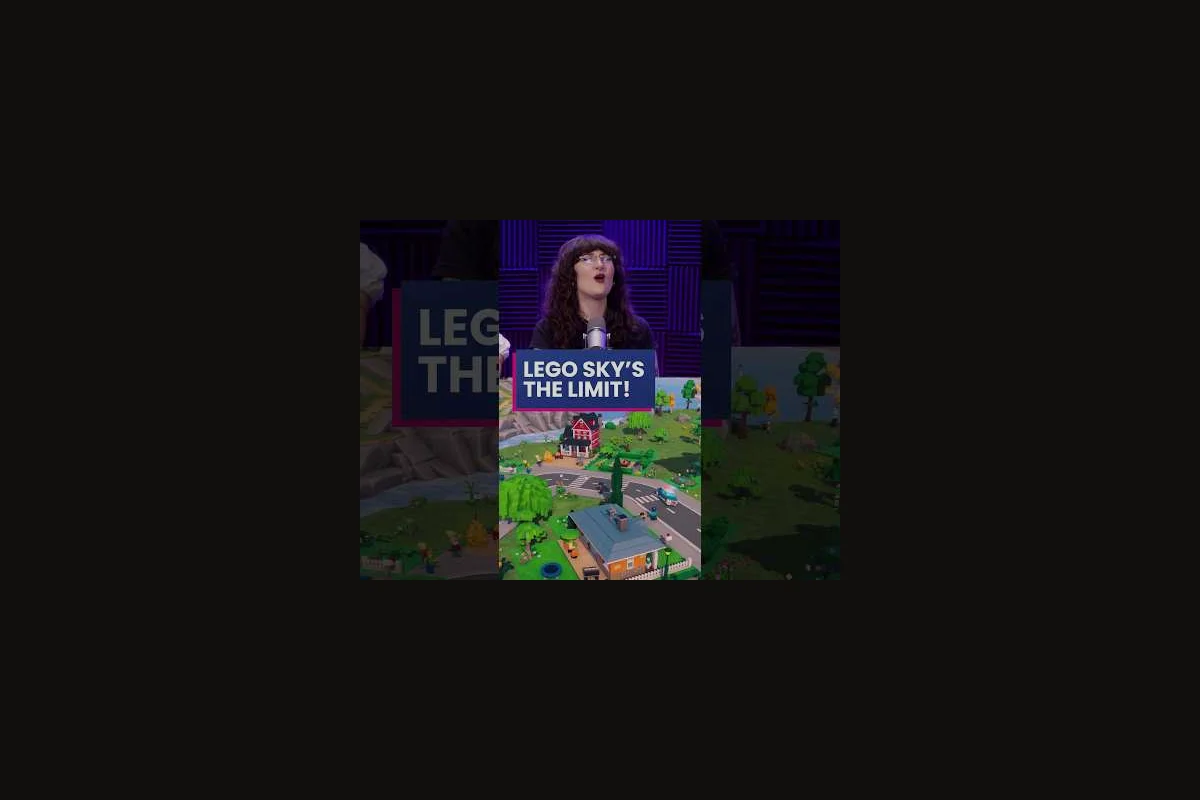
Strong LEGO Skylines healthcare planning turns a fragile early build into a city that can absorb new districts without hospitals going red. The trick is treating clinics, parks, and roads as one connected service network rather than three separate menus, because LEGO Skylines links each amenity to the citizens it can actually reach. This amenity guide walks through how to size hospitals, weave park planning into residential blocks, and read the city's silent signals so city happiness climbs in step with the population. Readers who want a broader city-wide walkthrough can pair this with the service network primer.
Why Healthcare and Parks Belong in the Same Plan
According to the official LEGO Skylines Steam page, the game lists hospitals, parks, shops, waste collection, and sewage as interconnected management responsibilities, which means each service influences the others. Healthcare without parks is technically functional but flat, while parks without healthcare cannot stabilize a growing district. Treating both as a single planning layer is the fastest way to lift LEGO Skylines city happiness without overspending on duplicate buildings.
How Healthcare Feeds the Citizen Loop
Citizens in LEGO Skylines register as healthy, neutral, or unwell based on whether a hospital lies within their service area. As reported by community testing during the closed beta phase, a single small clinic can cover roughly 80–120 LEGO citizens before the radius starts to thin out, and that figure scales with road connectivity rather than straight-line distance. Because the calculation rewards connected blocks, planners who bolt a clinic onto an arterial road stretch the same budget further than planners who tuck it behind residential cul-de-sacs.
How Parks Cushion the Same Loop
Parks deliver a quiet, additive boost that hospitals alone cannot match. Community data suggests a well-placed park raises nearby residential desirability by a small but steady margin, which in turn keeps demand for housing high enough to justify service expansion. Park footprint is cheap relative to a hospital, so the natural move is to plant parks first, then layer healthcare on top, rather than the reverse.
| Amenity | Primary Effect | Secondary Effect | Best Paired With |
|---|---|---|---|
| Small Hospital | Restores citizen health | Stabilizes district growth | Park cluster + arterial road |
| Large Hospital | Covers 200+ citizens | Higher upkeep cost | Busier commercial zone |
| Small Park | Raises nearby happiness | Buffs adjacent desirability | Residential block |
| Large Park | Soft city-wide mood lift | Visual landmark | Civic plaza |
Sizing Hospitals for Service Efficiency
LEGO Skylines service efficiency is mostly a question of capacity, reach, and timing, not raw building count. Drop three small hospitals and you may still leave a corner uncovered, while one large hospital over a wide district often runs at half capacity. The smarter move is to start with a single small hospital and watch the population meter; once it crosses about 70 percent of the building's effective capacity, plan the next facility before the meter tips over.
Capacity vs. Coverage Trade-offs
Capacity controls how many citizens a hospital can treat per in-game day, while coverage controls the radius that the building actually serves. The two numbers move in opposite directions when buildings get larger: a big hospital treats more citizens but its reach does not scale linearly, so planners chasing pure service efficiency should think about stacking small hospitals instead of upgrading to a flagship build. The LEGO Skylines on Paradox Interactive page confirms that healthcare sits alongside parks and shops as a customizable layer, which gives planners room to mix and match rather than commit to a single template.
Reading Service Area Visuals
Hospital service area in LEGO Skylines is shown as a soft overlay when the building is selected, and the radius shrinks when the surrounding road network is broken. Community reports indicate that a hospital sitting on a continuous loop of road reaches about 15–20 percent more citizens than the same building on a stub street. The practical lesson is to extend the road grid first, then place the hospital, then revisit the radius; placing in any other order wastes capacity.
Park Planning That Lifts Happiness Without Bloating the Budget
LEGO Skylines park planning is where the budget either holds or collapses, because parks are cheap to build but easy to scatter. A scattered park pattern looks pleasant from above, yet each one drains upkeep for marginal coverage gains. The disciplined approach is to anchor one large park per district and fill the edges with small pocket parks, which keeps walking distance short and concentrates the happiness boost where citizens actually live.
District Anchors vs. Pocket Parks
Large parks work best as district anchors, sitting near a school, hospital, or commercial strip where foot traffic is already high. Small pocket parks work best as filler, plugging the awkward triangles between residential blocks. This pairing keeps the average walking distance from any home to a park well under one block, which in turn keeps LEGO Skylines city happiness trending upward without forcing a second large park in every district.
Park-Hospital Synergy
Placing a park within one block of a hospital gives the hospital a passive boost to its desirability radius, reported by community playtesters as roughly a 5–10 percent reach extension. That small bonus compounds across a city of several districts, which is why planning both layers together tends to outperform a one-service-at-a-time approach. For planners who want a deeper look at how citizens route between amenities, the city services overview is a useful companion read.
| Park Layout | Cost Profile | Coverage Strength | Weakness |
|---|---|---|---|
| One large park per district | Low upkeep per citizen | Wide happiness pulse | Slow to fill a new district |
| Scattered small parks | High upkeep per citizen | Even spread, low density | Fragmented boost |
| Mixed anchor + pocket | Moderate upkeep per citizen | High density in core blocks | Needs careful spacing |
Building a Coherent Service Network
The phrase LEGO Skylines service network sounds abstract, but it boils down to one rule: every amenity should sit on a road that connects it to the citizens it serves. Healthcare, parks, shops, fire coverage, and waste pickup all share the same road grid, so a layout that favors one service tends to favor the rest. Planners who design the road skeleton first and drop amenities afterward almost always end up with a city that runs at a lower upkeep-to-happiness ratio than planners who place buildings reactively.
Road Skeleton Before Amenities
Lay arterial roads first, then secondary roads, then place hospitals, parks, and shops along the arteries. This sequence keeps service radii clean and prevents the classic mistake of a hospital stranded behind a one-way loop. It also sets up future service expansion, because new districts can be grafted onto existing arteries without forcing the original hospitals to stretch.
Layering Demand Signals
LEGO Skylines surfaces citizen demand through a few quiet indicators, including residential demand arrows, the happiness meter at the top of the screen, and the service coverage overlay. Reading all three at once, instead of watching only one, makes LEGO Skylines service efficiency easier to tune. A district with rising residential demand but flat happiness usually needs parks; a district with flat demand and falling happiness usually needs healthcare; a district with both flat demand and flat happiness usually needs road access.
| Demand Signal | Most Likely Fix | Amenity to Add | Risk of Wrong Guess |
|---|---|---|---|
| Rising demand, flat happiness | Park gap | Small park cluster | Mild upkeep drift |
| Flat demand, falling happiness | Health gap | Hospital upgrade | Overbuilt capacity |
| Flat demand, flat happiness | Connectivity gap | Extend road | Service areas still fragment |
| Falling demand, falling happiness | Multiple gaps | Combined fix | Higher cost, longer build |
Service Expansion as the City Grows
LEGO Skylines service expansion is where most early cities stall, because adding a new district on the edge of the map often breaks the original hospital's reach. The fix is to plan the new district around a future healthcare anchor rather than waiting for unhappiness to spike. Sketch the next hospital's location before zoning the first new block, then run the arterial road through that spot; once the district reaches the population threshold, the new hospital drops in without disrupting the old one.
Two-Hospital Handoff Windows
A common pattern reported by community testers is to add a second hospital when the first crosses roughly 80 percent of its effective population coverage, then keep the old hospital running for about an in-game month while the new one ramps up. This overlap prevents a coverage dip during the handoff and is one of the cheapest ways to grow into a second district without losing LEGO Skylines city happiness.
Expansion Checklist for a New District
Run through this quick checklist before zoning the first block in a new district:
-
Confirm the arterial road reaches the planned hospital site
-
Place at least one anchor park in the district's center
-
Check that waste pickup can reach the first residential block
-
Leave room for a pocket park between every two housing clusters
-
Set the district's small hospital capacity for the first 150 citizens
When to Upgrade vs. When to Add
Upgrading a hospital raises its capacity but leaves its coverage radius mostly unchanged, while adding a second hospital opens fresh coverage in a new district. For mid-game cities, adding a second hospital usually wins because it extends the service network into new residential blocks. For late-game cities, upgrading makes sense once the existing hospital's capacity is the bottleneck and the radius is already optimal. Planners weighing the same trade-off for their first city-wide build can compare notes against the first services walkthrough, which covers the very early population thresholds.
Frequently Asked Questions
How early should I place my first hospital in LEGO Skylines?
Place the first small hospital when the population meter shows roughly 50–80 citizens, because the radius covers a starter district efficiently and frees the next hospital slot for future expansion. Going earlier wastes upkeep, while going later usually forces a coverage gap that is harder to repair.
Do parks actually raise LEGO Skylines city happiness on their own?
Yes, parks add a steady passive boost to nearby residential blocks, and a single large park in a starter district can lift the local happiness bar by a noticeable margin. Park effects are smaller than hospital effects, but they cost far less to maintain and they stack cleanly with healthcare.
Can one hospital cover two districts at once?
It can if the districts share a continuous road grid, because service area follows roads rather than straight lines. As soon as the road between districts breaks or the new district is too far from the hospital's effective radius, coverage drops sharply and a second hospital becomes necessary.
What is the cheapest way to fix a service efficiency problem?
Extend the road grid first, because almost every service area in LEGO Skylines is road-dependent and a missing link can halve a hospital's reach. A short road extension often restores coverage more cheaply than upgrading the hospital or building a new one.
Where can I see the official list of city services for LEGO Skylines?
The official service roster lives on the LEGO Skylines Steam store page, which lists electricity, food, water, housing, workplaces, healthcare, parks, shops, waste collection, and sewage as the shipped management responsibilities. The Paradox Interactive game page echoes that scope, so cross-check it before you plan any hospital or park placement against the developers' actual service network.