
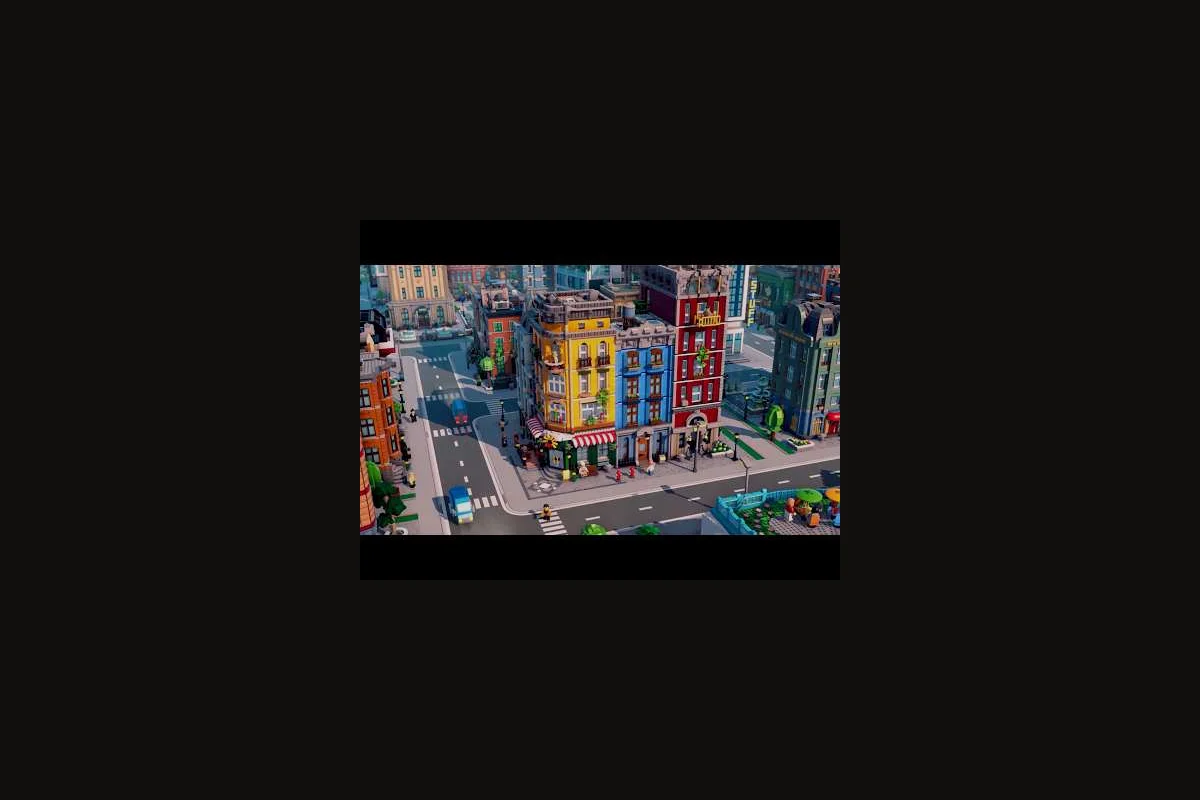
Strong LEGO Skylines production chains turn a stack of disconnected LEGO bricks into a city that actually feeds, employs, and pays for itself. Because the game wires electricity, water, food, housing, and jobs into one network, every wheat field and donut shop you place ripples into your budget. This guide breaks down how to keep that loop tight, from the first farm to a multi-district economy, so your workforce never starves and your treasury never stalls.
The data points and service categories below lean on the official store description and developer notes from the LEGO Skylines Steam page and the official LEGO Skylines hub at Paradox Interactive, with community-sourced playtest impressions filling in the experience-level gaps. Because the title is still listed as Coming soon on Steam as of August 28, 2026, treat any specific balance number below as a planning anchor rather than a fixed patch value.
How LEGO Skylines Production Chains Actually Work
Production chains in this game are not a single spreadsheet screen — they are a chain of three or more buildings that take a raw input, transform it, and feed the next link. The chain only "completes" when the final output reaches a customer or a workplace that needs it, which is why a stalled food chain looks like a thriving city on the map and an empty bank account in the budget panel.
The Universal Three Layers of Production Chains
Every LEGO Skylines production chain has the same three layers, no matter which resource you are moving. Understanding those layers lets you diagnose a stalled economy without guessing which building is to blame.
| Layer | What It Does | Example in Food Chain | What Breaks First |
|---|---|---|---|
| Source | Produces or extracts the raw material | Wheat Farm | Lack of workers, no road access |
| Processor | Transforms raw input into a finished good | Mill turning wheat into flour | No trucks, no storage |
| Distributor | Sends the finished good to customers or workplaces | Donut Shop selling to citizens | No nearby shoppers, no workers |
The same three layers apply to non-food chains. A Power Plant is the source, a Substation is the processor, and the Homes and Workplaces that plug into the grid are the distributors that "consume" the output. Because LEGO Skylines is built on a single shared economy, breaking any layer in one chain tends to ripple into two or three others.
Inputs, Outputs, and the Hidden Fourth Link
Most players spot the three visible layers above, then wonder why a "complete" chain still bleeds money. The hidden fourth link is logistics — the trucks, roads, and depots that move goods between layers. Community playtesters report that placing a Wheat Farm and Donut Shop in the same district looks efficient on the map, but if the road between them is a one-lane LEGO road with a dead end, the trucks queue up and the shop starves while the wheat rots in the field.
That hidden logistics layer is also why the official store page groups the game's systems under one umbrella: electricity, food, water, housing, jobs, healthcare, parks, shops, waste collection, and sewage all ride on the same road network. If you want deeper coverage of how to feed those systems, the LEGO Skylines food production guide maps the full utility side of the same chain.
Mapping the Food Chain From Wheat to Workplace
Food is the cleanest example of a LEGO Skylines production chain because it has the most visible building count and the most direct impact on job demand. Citizens who do not eat do not work, and workplaces without workers do not produce. Food is therefore the chain new players should learn first before touching the more abstract goods chains.
The Classic Four-Stage Food Pipeline
The community-canonical food chain runs wheat → flour → donuts → citizens, but the Steam page description and Paradox material confirm an even longer variant: farms feed processing buildings, processing buildings feed shops, and shops feed both the residential population and the workplace population simultaneously.
| Stage | Building Type | Input | Output | Feeds Into |
|---|---|---|---|---|
| 1 | Wheat Farm | Workers, water, road access | Wheat | Mill |
| 2 | Mill | Wheat, electricity, workers | Flour | Bakery or Donut Shop |
| 3 | Bakery / Donut Shop | Flour, workers | Bread / Donuts | Citizens + workplaces |
| 4 | Homes & Workplaces | Food from shops | Happiness, productivity | Tax income |
Notice that stage 4 is the only one that actually closes the loop and pays you back. The earlier three stages are pure cost centers, which is why most playtesters recommend placing them as compactly as possible to minimize road, power, and water spending before the chain ever returns a coin.
Why Job Demand Spikes When Food Stalls
LEGO Skylines ties citizen happiness directly to food availability, and happiness in turn drives workplace productivity. Community reports from the closed playtest describe a classic failure mode: a player places a single Wheat Farm and a single Donut Shop, watches the city grow, and then watches a sudden wave of unemployment when the farm runs out of seasonal capacity. The shop stays open, but the workers are too hungry to clock in, which kills the workplace output and slashes tax income.
The fix is redundancy, not just more production. Most experienced planners keep at least two food sources feeding one processing cluster, so a single breakdown or seasonal dip does not break the chain. For broader coverage of how to plan those backup sources, the LEGO Skylines resource guide walks through the math for keeping multiple chains balanced at once.
Balancing Resources, Workers, and Job Demand
Resource balance in LEGO Skylines is the art of matching three dials at the same time: how much raw material you produce, how many citizens you have to feed, and how many of those citizens you actually need at work. Pulling one dial without the other two is the most common reason a city stalls in the mid-game.
The Three-Dial Model
| Dial | Player Action | Risk of Over-Building | Risk of Under-Building |
|---|---|---|---|
| Production | Placing farms, mills, shops | Idle capacity costs money | Stalls the food chain |
| Population | Zoning homes | Empty homes, no workers | Job demand outruns labor |
| Employment | Zoning workplaces | Workers are hungry, shops empty | Citizens cannot earn income |
When all three dials are roughly in step, the city grows smoothly and the budget trends positive. When any one of them pulls ahead, the others start to compensate in ways that look like bugs but are actually the simulation telling you the chain is out of balance.
Reading the Job Demand Panel
The official Paradox material flags "jobs" as one of the core management loops, and community playtesters consistently describe a Job Demand indicator that lights up when workplace capacity outruns the available workforce. The indicator works the same way as a happiness meter: green when supply and demand are close, red when one side has pulled far ahead.
| Indicator Color | What It Means | Recommended Action |
|---|---|---|
| Green | Workforce roughly matches workplaces | Hold new zoning, expand roads and services |
| Yellow | Mild imbalance, slight slowdown | Add 1-2 homes or 1 workplace depending on direction |
| Red | Severe imbalance, productivity tanking | Pause growth, fix the chain link causing the gap |
The biggest mistake new players make is reading red as "build more of whatever the indicator is complaining about." In practice, red job demand often means the food chain is broken upstream, so adding more homes only deepens the food shortage. Diagnose the chain before you zone.
Planning LEGO Skylines Supply Chains for Steady Growth
Supply planning in LEGO Skylines is less about hitting a magic ratio and more about sequencing. The order in which you place buildings matters as much as the count, because each new building depends on its predecessor being online and stocked.
A Six-Step Planning Loop
The loop below is a synthesis of what the official store description and playtester reports both emphasize: a working LEGO Skylines city is not a finished blueprint, it is a cycle that you repeat every time you expand.
| Step | Action | What to Check Before Moving On |
|---|---|---|
| 1 | Zone a small residential block | Power, water, road access confirmed |
| 2 | Place a matching food source | Workers assigned, water nearby, road linked |
| 3 | Add a processor (mill or equivalent) | Input resource is in stock |
| 4 | Add a distributor (shop) | Foot traffic or workplace demand visible |
| 5 | Place one workplace per ~6-8 homes | Job demand panel still green |
| 6 | Repeat from step 1 in a new district | Budget still positive, services covered |
The loop is intentionally short so that you can reset quickly if a step fails. If step 3 stalls because the mill has no workers, you back up to step 2 and add a home or two — you do not push forward into step 4.
Common Chain Bottlenecks and Fixes
| Bottleneck Symptom | Likely Cause | Cheapest Fix |
|---|---|---|
| Shops show "no goods" | Processor or source starved | Add a second source, not a second shop |
| Citizens unhappy despite full shops | Roads blocked, trucks queuing | Add a parallel road or a depot |
| Workplace productivity low | Workers hungry or sick | Audit food and healthcare chains first |
| Budget bleeds every month | Too many idle processors | Downsize or merge processors |
| Job demand spikes red | New workplaces without nearby homes | Pause workplaces, add homes first |
Most of these fixes are about taking something out, not adding something in. Because the LEGO Skylines economy punishes idle capacity, the right answer to "why am I losing money" is usually one of the buildings you already placed, not the building you have not placed yet. For a deeper look at how to balance those spending choices against your tax income, the LEGO Skylines income guide expands the budget side of the same problem.
Scaling a LEGO Skylines Workforce Without Breaking the Chain
Once a single district runs cleanly, the next challenge is scaling that working chain into a second, third, and fourth district without breaking the original. The official store page frames the game as a "cozy, customizable LEGO-themed city-builder," and the customization is precisely what lets you scale chains in different shapes.
Single-Chain vs. Multi-Chain Districts
A single-chain district is one where a wheat farm, a mill, a donut shop, and a small residential block all sit inside the same block. A multi-chain district intentionally splits those roles so that, for example, a farming district on the river feeds a processing district near the road network, which in turn feeds a commercial district in the city center.
| District Style | Strength | Weakness | Best Use Case |
|---|---|---|---|
| Single-Chain Compact | Lowest road and power cost | Single point of failure | Early game, tutorial-style growth |
| Multi-Chain Specialized | Resilient to one building failing | Higher logistics overhead | Mid-game, multi-district cities |
| Hybrid (mixed use) | Balanced growth | Harder to optimize | Late game, mature economies |
The hybrid style is what most long-term players settle on once they understand the workforce math. Specialized farming districts are easy to feed with water and easy to hide behind parks; specialized commercial districts concentrate shoppers and therefore drive more donut shop revenue per acre. The bridge between them is the road network, which is why the LEGO Skylines service planning guide is a useful companion once you start laying out that bridge.
Workforce Density vs. Chain Output
The official Paradox material points out that workplaces are one of the core management responsibilities, which is a polite way of saying that the workforce is the engine of every chain. Community testing on similar city-builders suggests the rough relationship below, and LEGO Skylines seems to follow the same arc based on the developer description of how jobs interact with housing and food.
| Workforce Density | Per-Worker Output | Citizen Happiness | Tax Efficiency |
|---|---|---|---|
| Sparse (1 workplace per 12+ homes) | High | High | Medium |
| Balanced (1 workplace per 6-8 homes) | Medium-high | Medium-high | High |
| Dense (1 workplace per 3-4 homes) | Low | Low | Low |
The dense column looks productive on paper but collapses in practice because citizens burn out, miss meals, and start quitting jobs. The balanced column is where most stable LEGO Skylines economies sit, and the sparse column is what you fall back to during a recovery phase after a chain stalls.
Frequently Asked Questions
What is the simplest LEGO Skylines production chain to start with?
The wheat → flour → donuts → citizens chain is the most forgiving because every step is visible on the map, every link is cheap to place, and the failure modes are easy to read. Once that chain is stable, the same template generalizes to power, water, and waste collection, which all follow the same source-processor-distributor pattern.
How many workplaces do I need per home in LEGO Skylines?
Community playtesters converge on roughly one workplace per six to eight homes once the food and water chains are healthy. Going much denser than that pushes the job demand indicator into red because you run out of workers faster than you can feed them, which tanks workplace output and starves your tax income.
Why do my shops show empty shelves even with full farms?
Empty shelves almost always mean a logistics problem, not a production problem. The most common cause is a one-lane road or a dead end between the processor and the shop, which queues trucks and stops the food chain mid-loop. Add a second road or a depot, and the shop usually refills within a few in-game minutes.
Can I run multiple food chains in the same district?
Yes, and you usually should once you cross about 200 homes. Two independent wheat-to-donut chains in the same district give you redundancy if one farm goes offline, and the overlap helps you absorb seasonal dips without the food chain stalling. Just keep the two chains physically separated so a single road closure cannot kill both at once.
What is the fastest way to recover a broken production chain?
Pause new zoning first, then trace backward from the failing shop through the processor, source farm, and connecting road. The break is usually one link upstream of the empty shop, so replacing that single wheat-to-donut segment is far cheaper than demolishing the whole food production chain.